How a WhatsApp Button Inside Your AI Chatbot Can Improve Your Conversions
A visitor lands on your site at 9pm with a question. Your AI chatbot answers it instantly - great. But a meaningful share of buyers, especially on mobile, want something else before they pay: a conversation that lives in their own messaging app, with a real business on the other end. That is exactly what a WhatsApp button inside your chat widget gives them - and it is one of the highest-leverage, lowest-effort conversion upgrades you can make.
TL;DR
- WhatsApp is where a huge share of your customers already talk every day - in many countries it is the default way to message a business, not an alternative.
- An AI chatbot and a WhatsApp button are not competitors: the bot resolves most questions instantly, and the button converts the visitors who would otherwise leave without talking to anyone.
- The conversion mechanics are simple: lower friction, a persistent thread, and a strong trust signal ("there are real humans here").
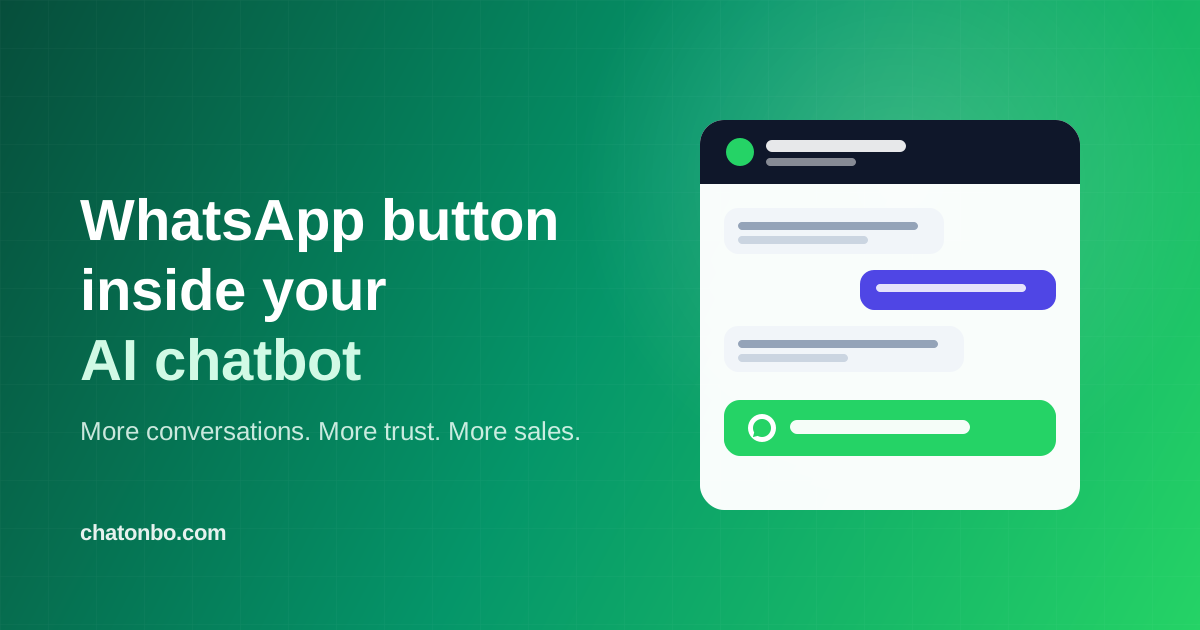
- With [Chatonbo](/), it is literally one toggle: turn on the WhatsApp button, enter your number, and the widget shows a "Chat on WhatsApp" option - visitors' clicks open WhatsApp (app or web) with a pre-filled message.
- Keep the AI first, WhatsApp second. Sites that replace their bot with a bare WhatsApp link give up instant answers - and instant answers close most questions on the spot.
Why WhatsApp still converts when website chat doesn't
Website chat has one structural weakness: the conversation dies with the tab. A visitor asks about shipping, gets an answer, closes the page - and if they had one more question on the bus two hours later, that thread is gone. They are not coming back to your website to re-ask it.
WhatsApp flips that. The conversation lives in the same app where they talk to friends and family:
- It is persistent. Your answer sits in their chat list. Every time they open WhatsApp, your business name is there - a free, gentle re-engagement no email sequence can match.
- It is mobile-native. Most of your traffic is on a phone. Typing into a website chat window on mobile is fine; tapping into a WhatsApp thread is effortless.
- It signals a real business. A visitor who can reach you on WhatsApp knows there is a human behind the site. For small and mid-size stores - where "is this shop even real?" is the silent conversion killer - that trust signal alone pays for the feature.
- It survives the visit. A WhatsApp lead is a contact you can follow up with. An anonymous website visitor who bounced is nobody.
Why the AI chatbot still comes first
So why not just slap a WhatsApp link on the site and skip the chatbot? Because the math runs the other way:
- Most questions do not need a human. "Do you ship to Canada?", "What is your return policy?", "Is this in stock?" - a well-trained AI agent answers these in two seconds, in the visitor's language, at 3am. Sending those to WhatsApp means answering them by hand, hours later, after the buying moment has passed.
- Speed is the conversion. The visitor asking about shipping is mid-purchase *right now*. Instant answers keep them in the flow; "we typically reply within a few hours" does not.
- Your time is the scarcest resource. If every FAQ lands in your WhatsApp, the button that was supposed to win sales becomes a support burden.
The winning pattern - the one used by the busiest stores we see - is AI first, WhatsApp as the human escape hatch:
- The AI agent handles the instant, factual, catalog and policy questions (the majority).
- The WhatsApp button is right there for the visitor who wants a human, has a complex request, or simply *prefers* WhatsApp.
- Nobody hits a dead end. Nobody waits for an answer the bot already knows.
That combination beats either tool alone: the bot converts the impatient, WhatsApp converts the cautious.
Where the conversions actually come from
Concretely, a WhatsApp button inside your chat widget improves numbers in four places:
1. Recovered exits. Visitors who do not trust bots - they exist - previously closed the widget and left. Now they tap the green button instead. Every one of those is a conversation that used to be a bounce.
2. High-intent, high-touch purchases. Custom orders, bulk requests, "can you do this by Friday?" - these buyers want a back-and-forth with a person before they commit. WhatsApp is the natural place for it, and these tend to be your *largest* orders.
3. Follow-up that actually happens. A website chat that ends is over. A WhatsApp thread lets you send the payment link, the shipping update, the "your order is ready" message - each touchpoint another chance to complete or repeat the sale.
4. Mobile visitors. On a phone, "continue in WhatsApp" removes every remaining step: no form, no email, no staying on the page. The pre-filled first message ("Hi! I'm on yourstore.com and have a question") even removes the burden of starting the conversation.
How to add a WhatsApp button to your website chat (60 seconds)
If you use [Chatonbo](/), the feature is built in:
- Open your bot in the dashboard -> Widget settings.
- Turn on WhatsApp button and enter your WhatsApp number with the country code (e.g. +1 555 123 4567).
- Save. Your widget now shows a "Chat on WhatsApp" button - on desktop it opens WhatsApp Web, on mobile it opens the app, with a pre-filled message that tells you which site the visitor came from.
The button label is automatically translated into 20 languages to match your visitor, and your AI agent keeps answering questions exactly as before - WhatsApp is an addition, not a replacement. The WhatsApp button is available on Pro and Business plans, and every new account starts with a [30-day free trial](/pricing).
Not using Chatonbo yet? You can [see what an AI agent trained on your website looks like in 60 seconds](/try-it) - no signup required - and turn on the WhatsApp button once you keep it.
Best practices (from stores that do this well)
- Always include your country code in the number - the wa.me link format requires it.
- Answer WhatsApp fast during business hours. The button sets an expectation; a same-hour reply converts dramatically better than a next-day one.
- Let the AI try first. Keep the bot as the opening experience and WhatsApp as the visible alternative - you get the instant-answer conversions *and* the human-preference conversions.
- Use the thread you earned. A customer who contacted you on WhatsApp said yes to a channel. Order updates and a polite follow-up belong there; daily promotions do not.
- Check the numbers weekly. If WhatsApp fills with questions your bot should answer, add those answers to the bot's knowledge base - each one saves you future manual replies.
FAQ
Does the visitor need WhatsApp installed?
On mobile, the button opens the WhatsApp app if installed. On desktop it opens WhatsApp Web in a new tab, where the visitor scans a QR code once and chats from the browser.
Is this the same as a WhatsApp chatbot?
No. The button hands the conversation to you - a human - inside WhatsApp. A full WhatsApp AI channel (where the bot itself answers inside WhatsApp via the official API) is a separate, heavier integration. For most small businesses, the button plus a website AI agent covers the need at a fraction of the complexity.
Will the button slow my site down?
No. It is part of the same lightweight Chatonbo widget script your site already loads - no extra requests, no extra plugins.
Can I use a personal WhatsApp number?
Yes - wa.me links work with any WhatsApp number, personal or WhatsApp Business. A free WhatsApp Business profile (with your logo, hours, and catalog) looks more professional and is worth the five-minute setup.
---
*Chatonbo is an AI customer agent that learns your website and answers visitors 24/7 - with flat pricing from $19/month, no per-conversation fees, and now a built-in WhatsApp button. [Try it on your own site in 60 seconds](/try-it).*
More questions
Should I replace my website chatbot with a WhatsApp button?
No. Keep the AI chatbot first and add WhatsApp as the human escape hatch: the bot answers instant, factual questions at any hour, while the button converts the visitors who want a person or simply prefer WhatsApp.
How does a WhatsApp button improve website conversions?
It recovers visitors who do not trust bots, gives high-touch buyers a place for back-and-forth before large orders, lets follow-up actually happen in a persistent thread, and removes every extra step for mobile visitors.
How do I add a WhatsApp button to my website chat widget?
In Chatonbo, open your bot's Widget settings, turn on the WhatsApp button, enter your number with the country code, and save. The widget then shows a Chat on WhatsApp option that opens WhatsApp Web on desktop or the app on mobile with a pre-filled message. The feature is available on Pro and Business plans.
Written by
Amit ZenoFounder & CEO · Chatonbo
Founder of Chatonbo. Building the AI chatbot platform small businesses actually use.
See it work on your own website
Paste your URL and chat with an AI agent trained on your content - right now, in 60 seconds.
Try It on Your Website