Multilingual AI Chatbot: How to Support Customers in 50+ Languages

TL;DR
- A multilingual AI chatbot auto-detects the language each visitor types in and replies in that same language - automatically, with no per-language setup.
- Chatonbo converses in 50+ languages from a single bot configuration. No duplicate bots, no translation spreadsheets, no per-language pricing.
- Right-to-left languages like Hebrew and Arabic render correctly in the widget.
- Answers stay grounded in your own content (via RAG), then get delivered in the visitor's language - powered by GPT-5.4 or Claude Opus 4.8.
- Multilingual is included on every plan - and you can try it on a free trial. Works on Shopify, WooCommerce, Wix, WordPress, or any website.
---
What is a multilingual AI chatbot?
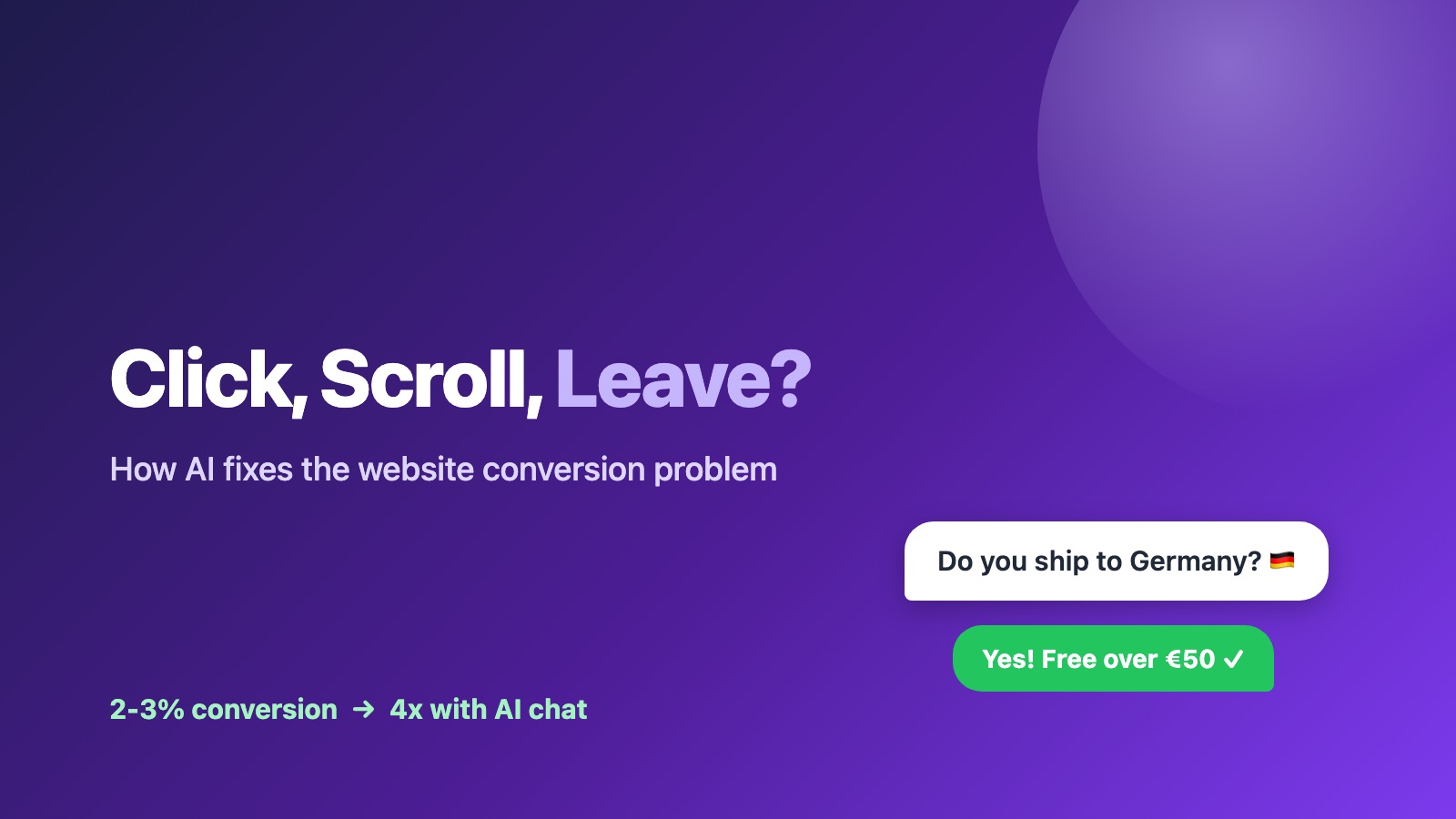
A multilingual AI chatbot is a chatbot that detects the language a visitor writes in and responds in that same language - without you building a separate bot for each market. One visitor types in Spanish and gets Spanish back. The next types in Japanese and gets Japanese. You configure the bot once.
This is the key difference from older "multilingual" tools. Legacy chatbots required a language toggle, a separate flow per language, or a translated copy of every scripted reply. Modern LLM-based chatbots skip all of that. The language model reads the incoming message, infers the language, and generates a native reply on the fly.
With Chatonbo, one bot serves all 50+ languages. There are no duplicate bots to maintain and no translation files to keep in sync.
Why multilingual support matters for international websites
Most of the internet does not speak English as a first language. If your site sells or supports customers across borders, a single-language chatbot quietly loses every visitor who would rather ask their question in their own words.
The business case is straightforward:
- Sell globally without hiring multilingual agents. A chatbot for an international website answers product questions, sizing, shipping, and returns in the visitor's language at 3 a.m. across every time zone.
- Capture leads you were missing. A visitor who can't phrase their question in English often just leaves. Let them ask in their own language and they stay, engage, and convert.
- Reduce support load. Common questions get answered instantly in any language, so your human team only handles the genuinely hard cases.
- One source of truth. Because every language draws from the same underlying knowledge base, your French and Portuguese answers stay consistent with your English ones.
For stores expanding into new regions, this is the difference between a market you can serve and a market you can only advertise to. (For Shopify and ecommerce specifically, pairing this with an [AI shopping assistant](/solutions/ai-shopping-assistant) turns multilingual support into multilingual sales.)
How modern LLM-based language detection works
Older systems detected language with a separate classifier, then routed to a pre-translated script. That broke on mixed-language messages, slang, and anything off-script.
Large language models changed the model entirely. Here is what happens when a visitor sends a message to a Chatonbo bot:
- The visitor types a message in whatever language feels natural - no dropdown, no "select your language" step.
- The model infers the language directly from the text. Detection and understanding happen in the same pass, so even a short or informal message is handled correctly.
- Chatonbo retrieves relevant answers from your content using RAG (retrieval-augmented generation). Your knowledge base, product info, and policies are searched for the best-matching context.
- The model composes a reply grounded in that content and writes it in the visitor's detected language.
- The conversation continues in that language until the visitor switches - at which point the bot follows along.
The important nuance: the answer is grounded first, translated second. Chatonbo doesn't guess at facts in a foreign language. It pulls the correct information from your own content, then delivers it in the visitor's language using GPT-5.4 or Claude Opus 4.8. That keeps answers accurate and on-brand in every language, not just English.
This approach is part of a broader shift toward [conversational commerce](/glossary/conversational-commerce), where the interface adapts to the customer instead of the other way around.
Right-to-left languages: Hebrew and Arabic
Multilingual support is incomplete if the text renders backwards. Right-to-left (RTL) languages - including Hebrew and Arabic - flow from right to left, and a widget that ignores that produces broken, hard-to-read messages.
Chatonbo renders RTL languages correctly in the widget. When a visitor writes in Hebrew or Arabic, the message bubbles, text alignment, and reply direction adjust automatically. The visitor reads a natural, properly laid-out conversation - not a left-to-right widget with right-to-left text stuffed into it.
This matters because RTL markets are large and underserved by chatbot tooling. Getting the rendering right is a small detail that signals you actually built for those customers.
How to add a multilingual chatbot with Chatonbo
You don't configure languages one by one. You set up one bot, and multilingual works out of the box.
- Create a bot. [Start a free trial](/platform/register) and create your first bot.
- Add your content. Point Chatonbo at your website, upload documents, or sync your store. This becomes the knowledge base every language draws from.
- Write your instructions once. Set the bot's tone and behavior in your own language. You don't need to translate your instructions - the model applies them across every language.
- Embed the widget. Add one snippet to Shopify, WooCommerce, Wix, WordPress, or any site.
- Done. Visitors immediately get replies in their own language across 50+ languages, including RTL.
There's no per-language pricing and no separate bot per market. Learn more on the [multilingual AI agent](/solutions/multilingual-agent) page.
Multilingual chatbot pricing
Multilingual is not an upsell. It's included on every Chatonbo plan, and you can try it on a free trial:
- Pro - $19/mo: for growing sites that need more volume, full 50+ language support.
- Business - $59/mo: for higher-traffic stores and teams.
Pricing is flat - you're never charged extra per language or per market. See the full breakdown on the [pricing page](/pricing).
FAQ
How many languages does a Chatonbo chatbot support?
Chatonbo converses in 50+ languages. The bot auto-detects the language a visitor types in and replies in that same language.
Do I have to set up each language separately?
No. One bot configuration serves all languages. There are no duplicate bots, no translation spreadsheets, and no per-language setup.
Does the multilingual chatbot cost extra?
No. Multilingual support is included on every plan, and you can try it on a free trial.
Does it support right-to-left languages like Hebrew and Arabic?
Yes. RTL languages render correctly in the widget, with text and layout flowing right to left.
How does the chatbot stay accurate across languages?
Answers are grounded in your own content using RAG, then delivered in the visitor's language. The bot retrieves the correct facts from your knowledge base before generating a reply, so answers stay accurate in every language.
Which platforms does it work on?
Chatonbo works on Shopify, WooCommerce, Wix, WordPress, and any website - you add a single embed snippet.
Conclusion
Serving customers in their own language used to mean hiring multilingual agents or maintaining a tangle of translated scripts. A multilingual AI chatbot collapses that into a single configuration: detect the visitor's language, ground the answer in your content, and reply natively - across 50+ languages, including RTL, with no per-language work.
With Chatonbo, that's included on every plan. [Create your multilingual chatbot on a free trial](/platform/register) and start answering customers in their own language today.
More questions
What is a multilingual AI chatbot?
A chatbot that detects the language a visitor writes in and replies in that same language automatically, without a separate bot or translated script per market. One configuration serves every language.
How does an AI chatbot detect a visitor's language?
Modern LLM-based chatbots infer the language directly from the message text in the same pass that they understand it, so there is no dropdown and no separate classifier. If the visitor switches language mid-conversation, the bot follows.
How do I set up a chatbot for an international website?
Create one bot, add your content by pointing it at your website or syncing your store, write your instructions once in your own language, and embed the widget. With Chatonbo, visitors then get replies in 50+ languages, including right-to-left languages, on every plan.
Written by
Elena KowalskiHead of Customer Success · Chatonbo
Customer Success lead. Turns chatbot deployments into measurable business outcomes.
See it work on your own website
Paste your URL and chat with an AI agent trained on your content - right now, in 60 seconds.
Try It on Your Website